If you’re running a business today, having an accessible website isn’t just a nice-to-have—it’s essential.
But let’s be honest—accessibility can feel overwhelming. Where do you start? What exactly do you need to do? Do you need a developer or a legal team to make it happen?
In this guide, I’ll break it down step by step so you can confidently make your website accessible to everyone—without stress or technical jargon.
Let’s get started!
Accessibility isn’t just about compliance—it’s about creating better experiences for all users. Here’s why it should be a priority:
Businesses across various industries face thousands of ADA-related lawsuits each year.
If your website isn’t accessible, you’re exposing yourself to legal risk.
Meeting WCAG standards is a proactive way to protect your brand and ensure accessibility.
According to global statistics, over 1.3 billion people live with disabilities. That’s a huge market you might be missing out on.
Making your site inclusive means attracting more visitors, earning more trust, and generating more conversions.
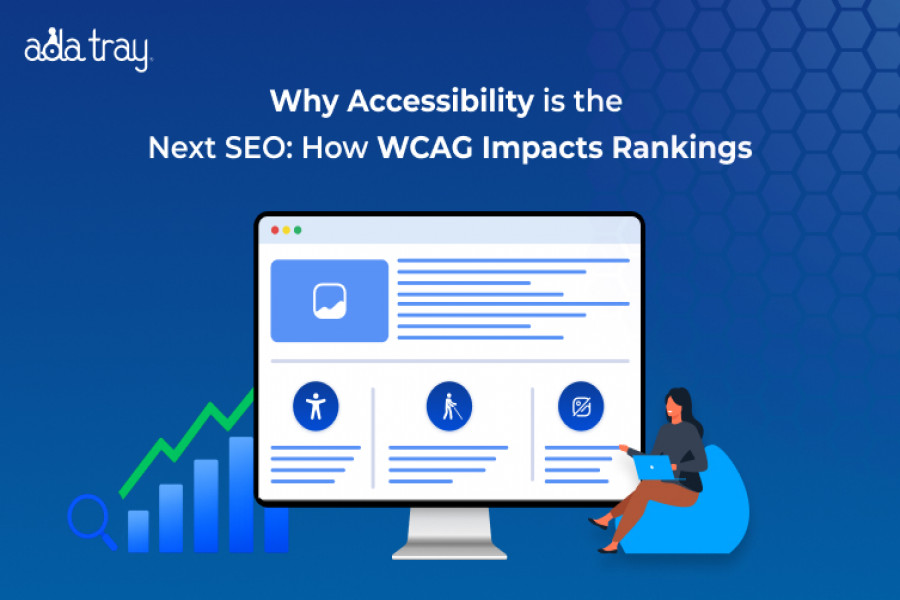
Accessible websites are easier to navigate, faster to load, and friendlier to search engines.
Features like descriptive text and structured headings help search crawlers understand your content, improving rankings.
Accessibility tools benefit all users—not just those with disabilities.
Clear navigation, readable fonts, and simple layouts make websites more usable for everyone.
If you’re asking yourself whether this applies to you, here’s the short answer: It probably does.
Small to medium-sized businesses without in-house tech teams that need easy, affordable solutions.
Hotels, resorts, and travel platforms where accessibility compliance isn’t just expected—it’s required.
E-commerce stores on Shopify, WooCommerce, and other platforms aim to provide seamless shopping experiences for all customers.
Nonprofits, educational websites, and community organizations are working to make their content accessible to a broader audience.
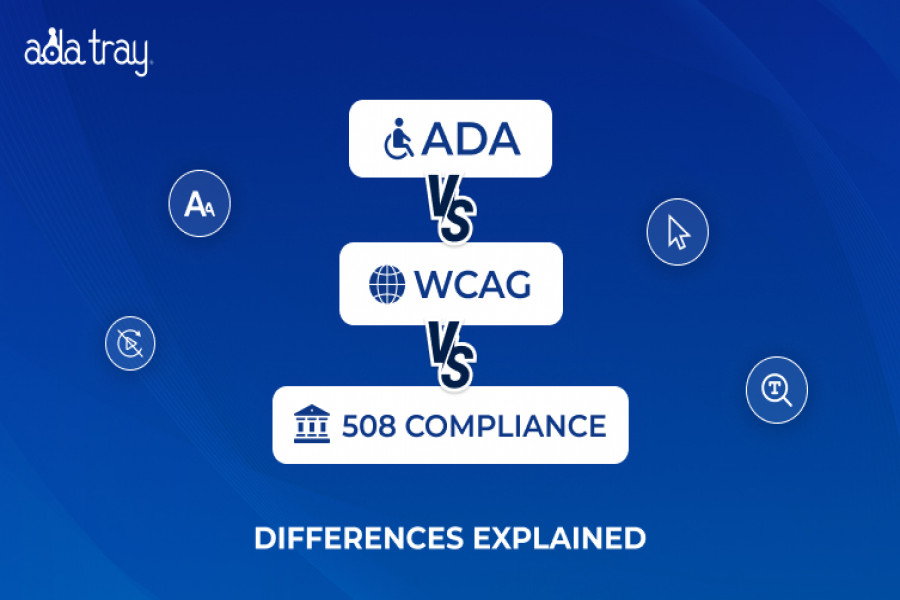
The Americans with Disabilities Act (ADA) requires businesses to provide equal access to services, including online services, for individuals with disabilities.
Though it doesn’t have a strict checklist, courts use WCAG guidelines to measure compliance.
Developed by the World Wide Web Consortium (W3C), WCAG is a set of technical standards that help you design web content accessible to people with disabilities.
There are three levels of conformance:
You don’t have to reinvent the wheel. Follow this practical roadmap to build an accessible, compliant website.
Start by identifying where your site needs improvement. Use these tools:
WAVE Accessibility Checker – Spot common issues
axe DevTools – Get technical insights for developers
Google Lighthouse – Get performance and accessibility reports
Quick Tip: Manual testing is essential. Tools can’t catch everything; you can use the ADA Shield for an in-depth ADA Audit for your website.
Here’s how to implement accessibility in everyday scenarios:
Make content perceivable
Make your site operable
Make information understandable
Make your site robust
Here are quick improvements that make a big difference:
Pro Tip: Accessibility features don’t have to be complex. With the ADA Tray, you can implement over 30 customizable accessibility tools in minutes—no coding required.
Here’s a quick overview of tools that can help you build an accessible website without breaking the bank:
| Tool | Best For | Why It Works |
| ADA Tray | Businesses without coding expertise | Simple install, customizable features, compliance-ready |
| WAVE | Quick audits | Highlights key accessibility issues |
| Axe DevTools | Developers | Deep technical insights |
Reality: Tools like ADA Tray make accessibility affordable and scalable, even for small businesses.
Reality: Every website—commercial or nonprofit—can benefit from accessibility features.
Reality: Accessibility evolves as your site does. Regular updates and audits are key.
Reality: Thoughtful accessibility design improves both aesthetics and usability.
Take the example of Yosemite Southgate Hotel & Suites, which integrated accessibility tools across its website and booking platform:
A seamless, accessible experience can translate directly into measurable business growth.
Not necessarily. Tools like ADA Tray allow you to integrate accessibility features without technical expertise, while manual audits can be done using free tools.
Start with key conversion pages like contact forms, booking pages, checkout processes, and FAQs where users need to interact the most.
You should test after every major update, new content addition, or platform change. A quarterly audit is recommended for most businesses.
While WCAG is the most widely accepted standard, ADA lawsuits may interpret other criteria as well. Meeting WCAG Level AA is a strong step toward compliance.
Absolutely! Features like alt text, structured headings, and simplified navigation help search engines crawl and rank your site more effectively.
Making your website accessible doesn’t have to be complicated, expensive, or time-consuming.
By following WCAG guidelines, auditing your site, and using tools like ADA Tray, you can build a website that’s inclusive, legally compliant, and optimized for growth.
Don’t wait until a lawsuit or user frustration forces you to act.
Accessibility is an investment—not just in compliance, but in better customer relationships and stronger brand trust.
Try ADA Tray today and transform your website’s accessibility in minutes.
Make your website welcoming to everyone—and watch your audience, trust, and revenue grow.
Author
Roshan Patel
CEO & Founder
Meet Roshan Patel, the dynamic force propelling INNsight to new heights. As a co-founder, his pragmatic and cost-focused leadership shapes the company's technical strategy and product architecture, ensuring a seamless hotel digital experience. With a hotel management and technology background, Roshan is a driving force in providing INNkeepers the tools they need to economically showcase their properties to cost-conscious travelers. Roshan's impact goes beyond tech, raising INNsight as a game-changer in hotel digital marketing.
Follow him on LinkedIn - Roshan Patel - INNsight


This website uses cookies to deliver our services and to show you relevant inventory, property details, and rates for . By using our website, you acknowledge that you have read and understand our Cookie Policy, Privacy Policy, and our Terms of Service. Your use of 's services, including the booking of online reservations, is subject to these policies and terms.

 4
4
These Cookies are strictly necessary to provide you with services available through our websites and to use some of its features, such as access to secure areas and to book accommodations.
These Cookies are used to enhance the performance and functionality of our websites but are non-essential to their use. However, without these Cookies, certain functionality (like videos) may become unavailable.
6
These Cookies collect information that is used either in aggregate form to help us understand how our websites are being used or how effective our marketing campaigns are, or to help us customize our websites for you.
2
These Cookies are used to make advertising messages more relevant to you. They perform functions like preventing the same ad from continuously reappearing, ensuring that ads are properly displayed for advertisers, and in some cases selecting advertisements that are based on your interests.
2
These Cookies are used to enable you to share pages and content that you find interesting on our websites through third-party social networking and other websites. These Cookies may also be used for advertising purposes, too.
What Are Cookies?
Cookies are small data files that are placed on your computer or mobile device when you visit a website. Cookies are widely used by website owners in order to make their websites work, or to work more efficiently, as well as to provide reporting information.
Cookies set by the website owner are called “first party cookies.” cookies set by parties other than the website owner are called “third party cookies.” Third party Cookies enable third party features or functionality to be provided on or through the website (e.g. like advertising, interactive content, analytics, etc….). The parties that set these third party Cookies can recognize your computer both when it visits the website in question and also when it visits certain other websites.
Why Do We Use Cookies?
We use first and third party Cookies for several reasons. Some Cookies are required for technical reasons in order for our websites to operate, and we refer to these as “strictly essential” or "strictly necessary” Cookies. Other Cookies also enable us to track and target the interests of our users to enhance the experience on our website. Third parties serve Cookies through our website for advertising, analytics, and other purposes.
The law states that we can store cookies on your device without prior consent for strictly essential or strictly necessary cookies. For all other types of cookies we need your permission. You can at any time accept, reject, or change the cookie settings on this website at any time by clicking on the cookie settings link.
 Related Blogs